
ASystem & administration
- M-01User interface and navigation
- M-02WMS system settings
- M-03Sign-in, user and role management
- M-04Turkish, English, German interface
- M-05AI-assisted translation in material creation
eASY WMS · Warehouse Management System
WMS-e is a modular warehouse management system for planning, running, monitoring and reporting warehouse and logistics operations. Orders, receiving, stock, locations, lots and handling units, picking and shipment run on one central platform.

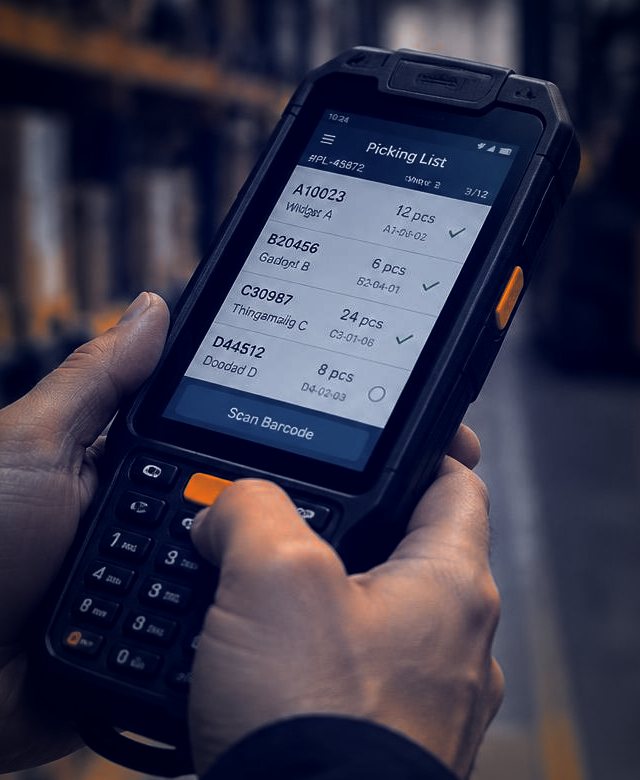
Low initial investment
Data is managed on AWS instead of expensive on-site servers, so individual users and small SMEs can start quickly.
Mobile phone use
Use Android or iOS phones instead of handheld terminals if you prefer.
Multi-platform
Runs on Android, iOS, Linux, macOS and Windows.
Multi-language
The interface speaks three languages, and AI-assisted translation fills material texts as you create them.
Core operational flow · 6 stages
Goods move through six stages, each backed by its own modules. Dashboards and KPIs read from every step, and returns flow back into stock.
Create purchase orders with order lines, assign them to vehicles and track how full each vehicle is.
Record incoming goods and barcodes, then create and print labels inside the app.
Hold stock by SKU, LOT, case and pallet in warehouses, sub-warehouses and addressed locations.
Transfer stock between warehouses or customers, and explode or combine units.
Run outbound and order preparation with barcode-guided steps.
Follow trucks, loading and shipment status until the goods leave.
Colour-coded racking · Barcode locations
Racks are lettered, bays are numbered and every level has its own colour. The location label carries all three, so an operator finds A-03-D1 by eye and confirms it with one scan.
How to read a location
Level colours
ABC zones by demand
The ten best-selling SKUs, placed closest to the outbound dock.
SKUs placed by status and product attributes.
Low-demand and dead stock in the far locations.
Module register · v1.0.5 · 35 modules
Thirty-five modules in nine areas, from master data and inbound to analytics, integrations and deployment.
ASystem & administration
BMaster data
CInbound
DStock & warehouse
EOutbound
FPlanning & analytics
GIntegrations
HAsset management
IDeployment & platform
Platform
One cross-platform app talks to a secure API in the cloud. Add users, warehouses and clients without changing the setup.
Android, iOS, Linux, macOS and Windows, with barcode scanning and OpenStreetMap address entry.
Sign-in, user and role management, and API data exchange with external systems.
No on-premises server investment.
MySQL / MariaDB-compatible storage for orders, stock, barcodes, warehouses, transfers and users.
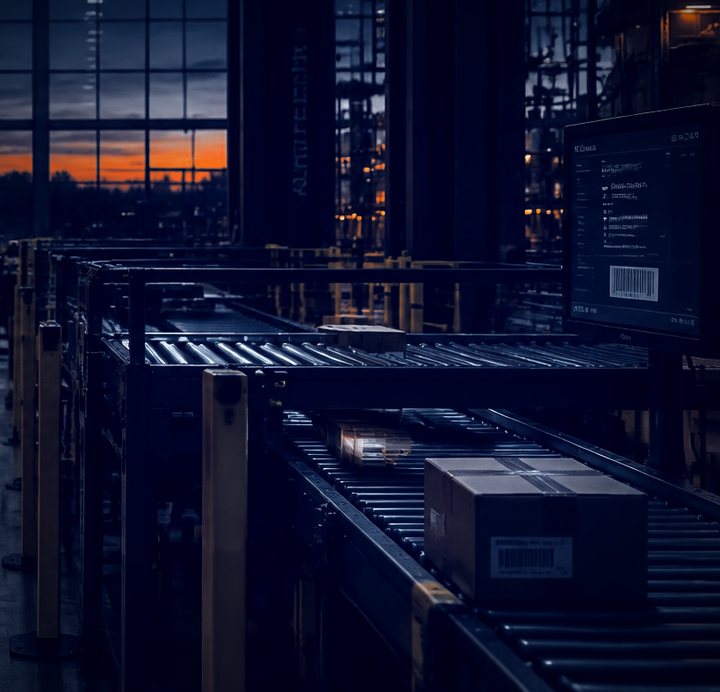
Who it is for
From a single founder with one stock room to contract-logistics firms running many clients and sites.
Integrations
Marketplace and shop connections keep online demand in step with warehouse stock, and an open API links WMS-e to your other systems.
Marketplaces & commerce
 Shopify
 Zalando
 Amazon
Runs on
 Android
 iOS
 Linux
 macOS
 Windows
Data exchange
A REST-style API exchanges orders, stock and master data with your ERP, shop and order systems.
Navigation & settings
A clear menu structure covers the full operational cycle, from material master data to packaging materials, with role-specific screens that limit user mistakes.
Comparison
A business-ready WMS should do more than move inventory data.
| Capability | Typical WMS | WMS-e | Manual / spreadsheet |
|---|---|---|---|
| Traceability | Often partial | SKU, LOT, case and pallet | Manual effort |
| Labels & barcodes | Separate software | Created and printed in the app | None |
| Locations | Address codes | Colour-coded rack, bay and level | Memory |
| Languages | Often one | Turkish, English, German | — |
| Reporting | IT request | Dashboards and KPIs built in | Spreadsheets |
| Access control | Varies | Users and roles | None |
Customer value
Less manual rework and faster execution across core workflows.
Barcode-guided steps and clear locations keep processes clean and controlled.
LOT traceability and KPI reporting give customers clear answers.

New warehouse project · 2026
Tell us about your warehouse and we will walk you through the platform.
Talk to the teamContact
DE · Frankfurt
Nexora Global GmbH
Am Heckenborn 12, 63303 Dreieich
Frankfurt, Germany
+49 172 235 11 70
admin@wms-e.com
www.nexoraglobal.de
TR · İstanbul
Nexora Uluslararası Lojistik İnşaat San. ve Tic. A.Ş.
Fulya Mah. Büyükdere Cad. Torun Center D-Blok
No: 74D İç Kapı No: 10, Şişli / İstanbul, Türkiye
+90 530 970 03 20
admin@wms-e.com
www.nexoraglobal.eu